



Images
Information
Description
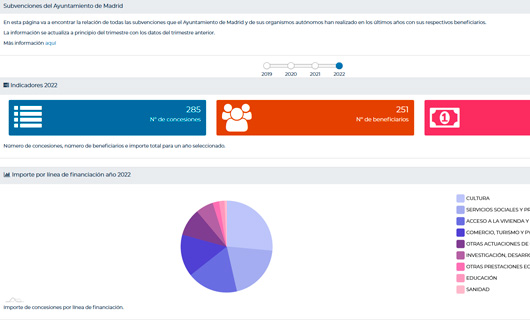
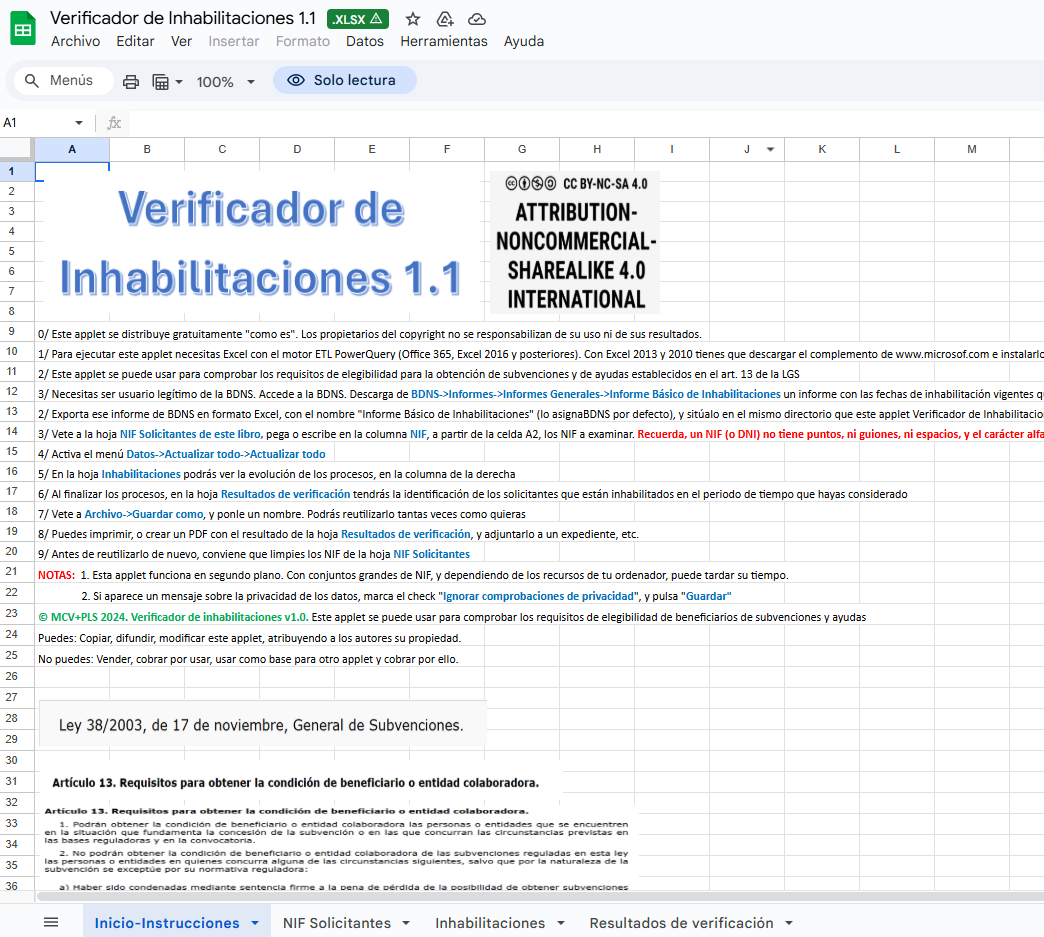
SUBSIDIA ONERIS (Latin for “burden of subsidies”) is a library of applets that enable mass access to data from the National Subsidies Database portal directly from Excel, using PowerQuery ETL to access the official SNPSAP API. It is shared under a CC BY-NC-SA 4.0 license.
Its use requires only very basic knowledge of Excel. The available applets are as follows:
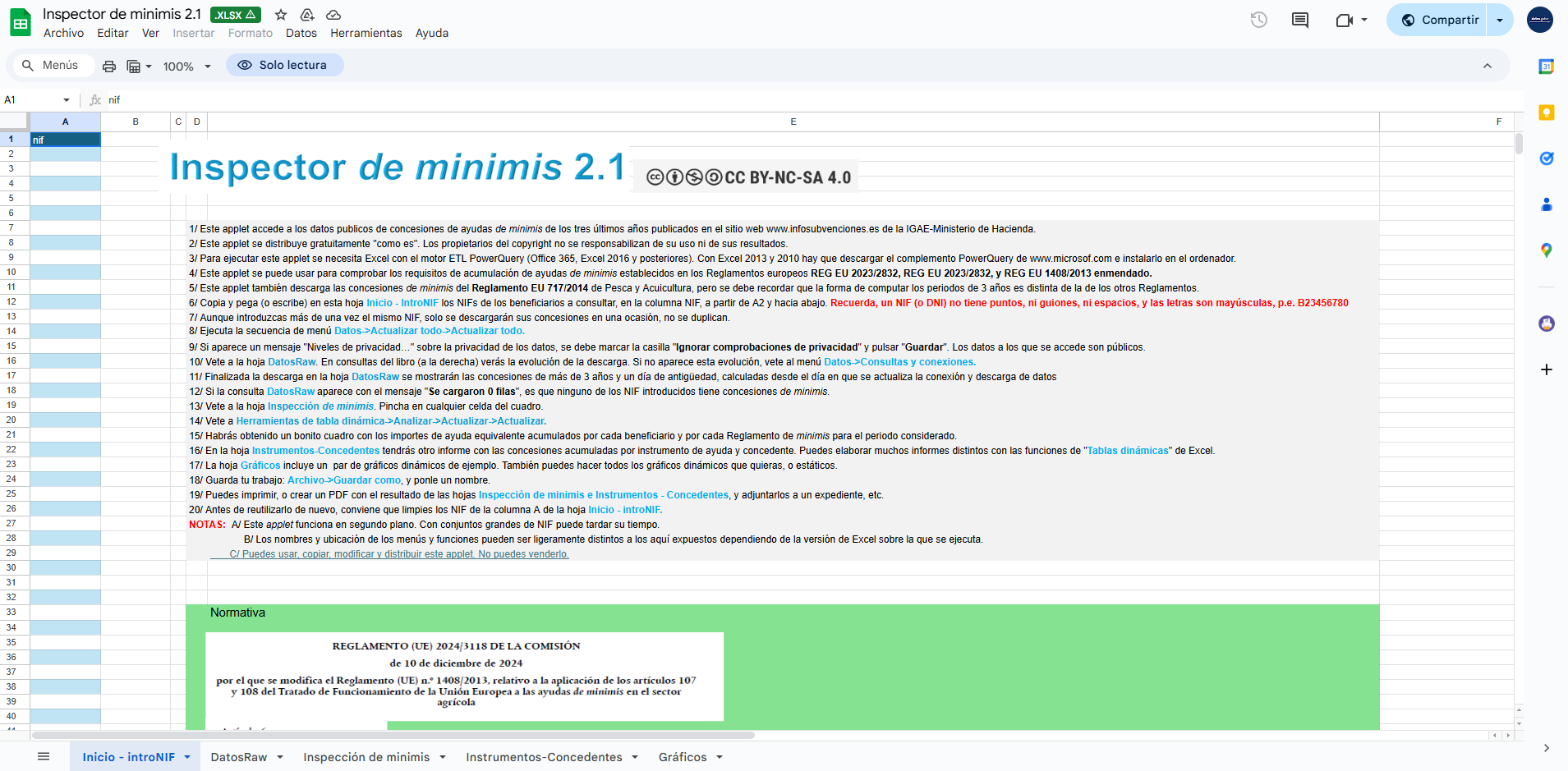
• De minimis Inspector 2.0: By entering one or multiple tax identification numbers (NIF) of beneficiaries, it returns all de minimis grants existing on the Portal on the date the query is performed, granted over the previous three years, providing transactional information on these grants as well as various aggregates and reports. Useful for checking compliance with the three-year de minimis accumulation requirements per beneficiary established in the applicable European regulations.
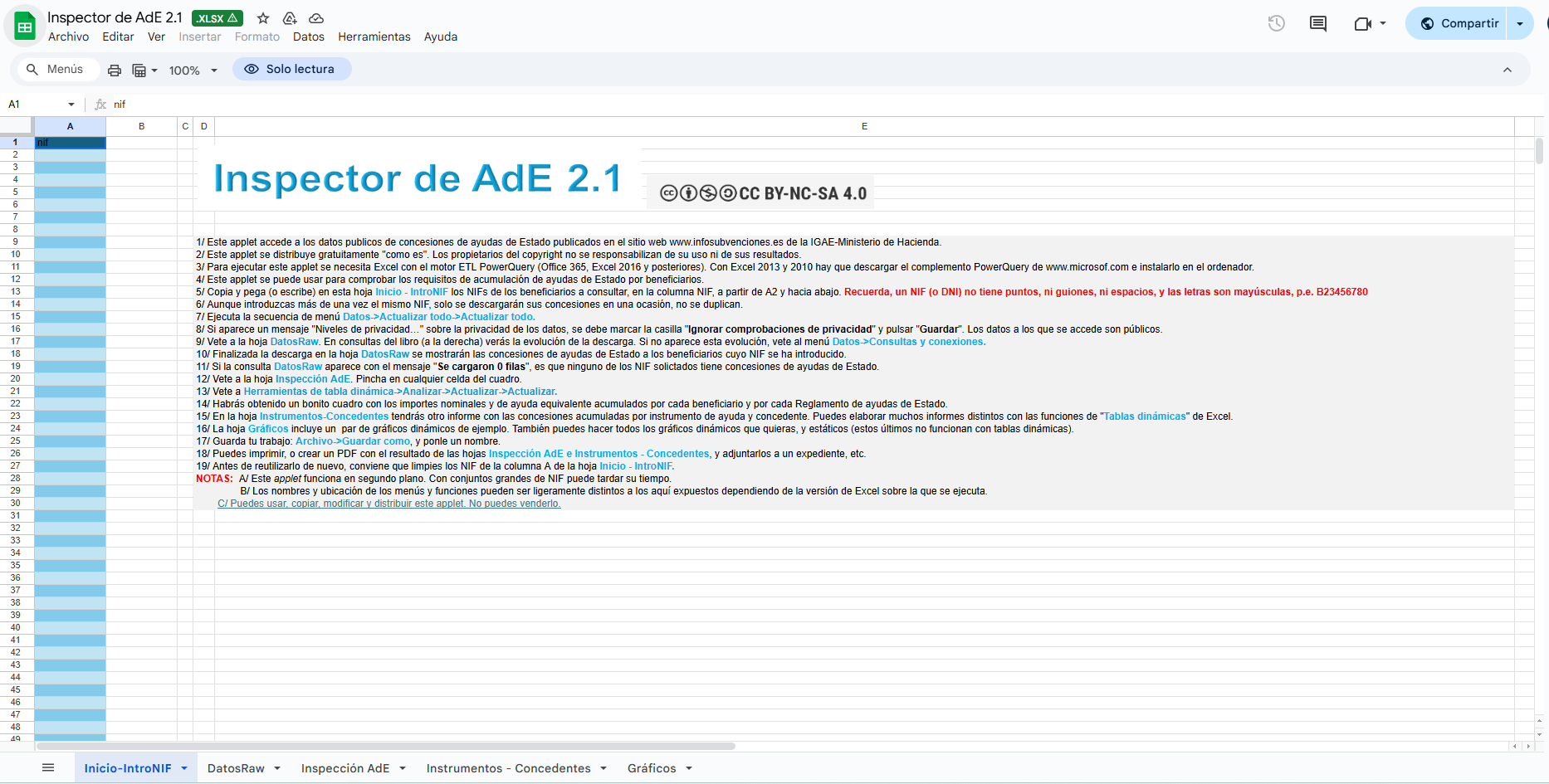
• State Aid (AdE) Inspector 2.1: By entering one or multiple beneficiary NIFs, it returns all State Aid grants existing on the Portal on the date the query is performed, providing transactional information on these grants as well as various aggregates and reports.
• All Grants Inspector 2.0: By entering one or multiple beneficiary NIFs, it returns all grants existing in the “All” tab of the Portal on the date the query is performed, providing transactional information on these grants as well as various aggregates and reports.
• Grants by Date Query Tool (more than 10,000) 2.1: By entering a start and end date, it returns all grants existing in the “Grants – All” tab of the Portal for the reference period on the date the query is performed, providing transactional information as well as various aggregates and reports. Time intervals should preferably not exceed one month, as the large number of grants may cause the download to fail, depending on the memory resources of the computer running Excel and the transactional load on the servers.
• Grants by Call for Proposals Query Tool (more than 10,000) 2.1: For calls for proposals that have more than 10,000 grants, this tool allows downloading all of them, up to 1,000,000 grants. Only one call code can be specified.
• State Aid by Date Query Tool (more than 10,000) 2.1: By entering a start and end date, it returns all grants existing in the “State Aid” tab of the Portal for the reference period on the date the query is performed, providing transactional information as well as various aggregates and reports. Time intervals should preferably not exceed one year, as the large number of grants may cause the download to fail, depending on the memory resources of the computer running Excel and the transactional load on the servers.
• De minimis by Date Query Tool (more than 10,000) 2.1: By entering a start and end date, it returns all grants existing in the de minimis tab of the Portal for the reference period on the date the query is performed, providing transactional information as well as various aggregates and reports. Time intervals should preferably not exceed one year, as the large number of grants may cause the download to fail, depending on the memory resources of the computer running Excel and the transactional load on the servers.
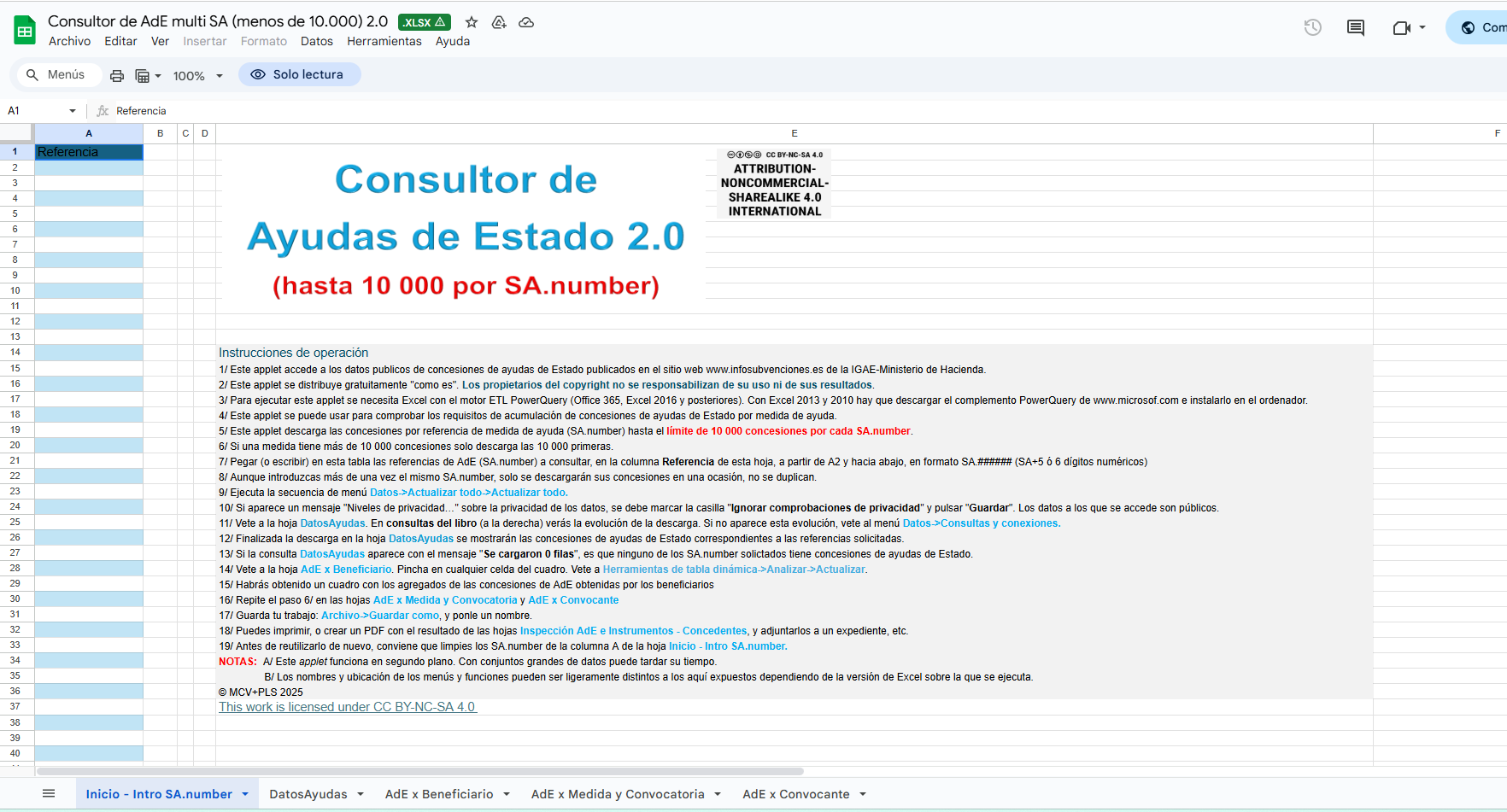
• Multi-SA State Aid Query Tool (less than 10,000) 2.0: By entering one or multiple references to State Aid measures (SA.number), it returns all State Aid grants existing on the Portal on the date the query is performed for those measures, providing transactional information as well as various aggregates and reports. If any measure (SA.number) has more than 10,000 grants, only the first 10,000 are downloaded, so it should not be used in that case. If an SA has more than 10,000 grants, the Multi-code Grants by Call Query Tool can be used instead. To do so, you must first identify the calls for proposals that have been formalized for that SA measure.
• Multi-code Grants by Call Query Tool (less than 10,000) 2.1: By entering one or multiple BDNS call codes, it returns all grants for those calls existing on the Portal on the date the query is performed, providing transactional information as well as various aggregates and reports.
If any call has more than 10,000 grants, it only downloads the first 10,000, so it should not be … (text truncated in the original).